Sharelyne Academy
Learn Sharelyne one task at a time
Short tutorials with a screenshot for every step, from connecting your first channel to reading your first report.
Start here
Six short tutorials take you from sign-up to your first results. Follow them in order.
 1
Get started
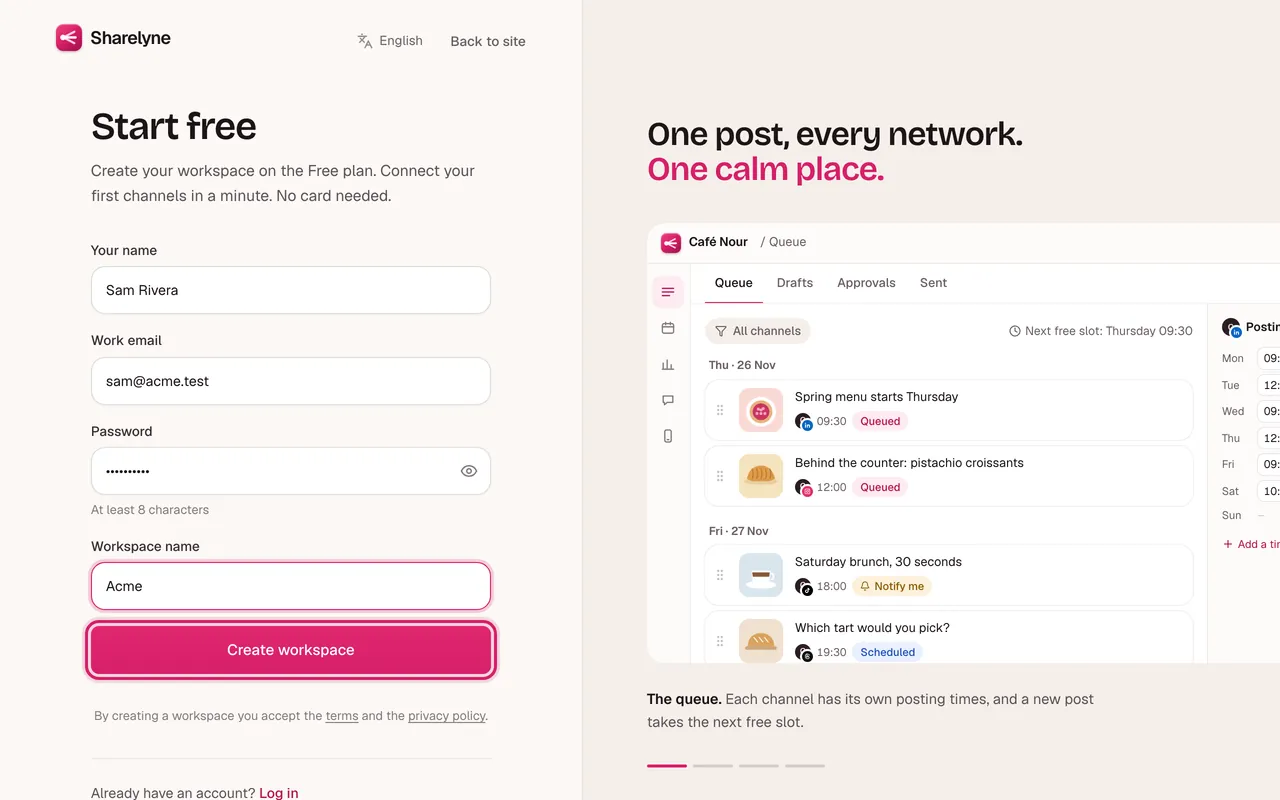
Create your account and workspace
Sign up, name your workspace and land on your home page in two minutes.
Beginner2 min4 steps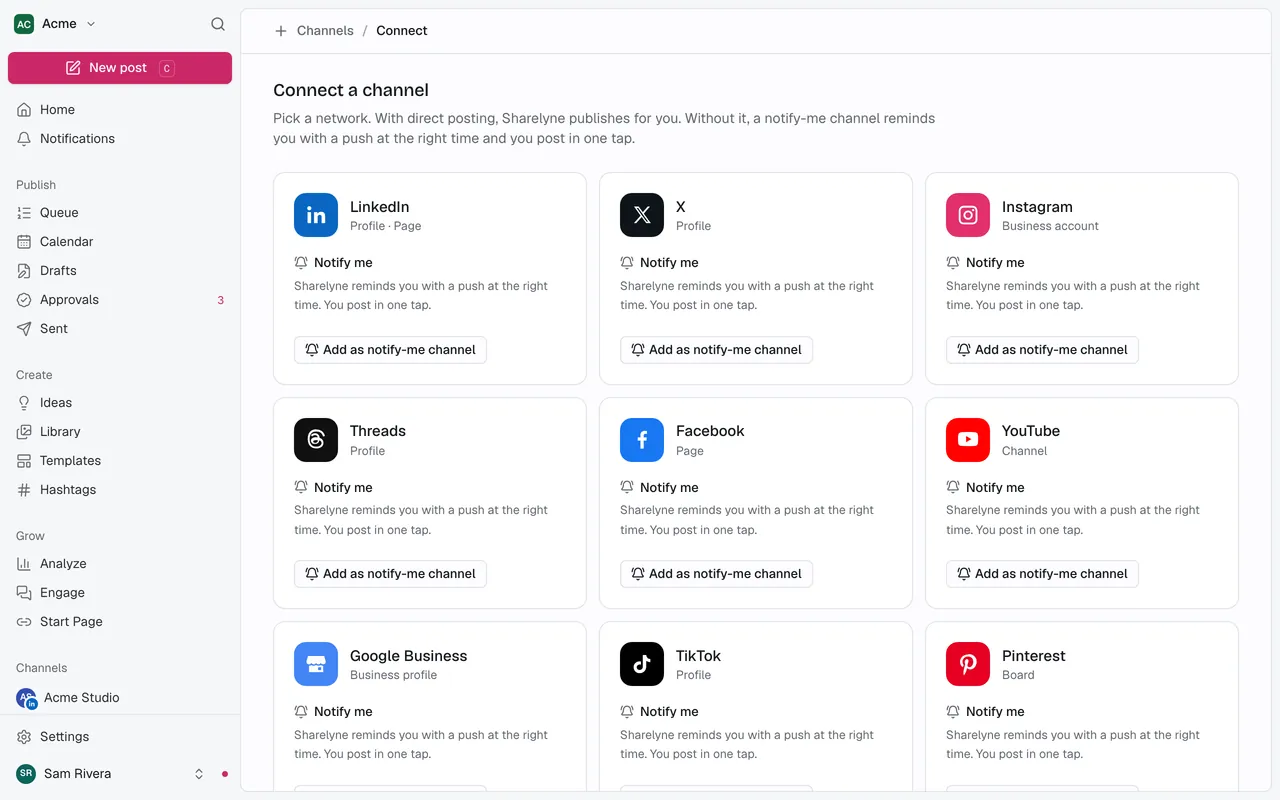 2
Get started
Connect a channel with direct posting
Link a social account so Sharelyne publishes for you at the right time.
Beginner3 min4 steps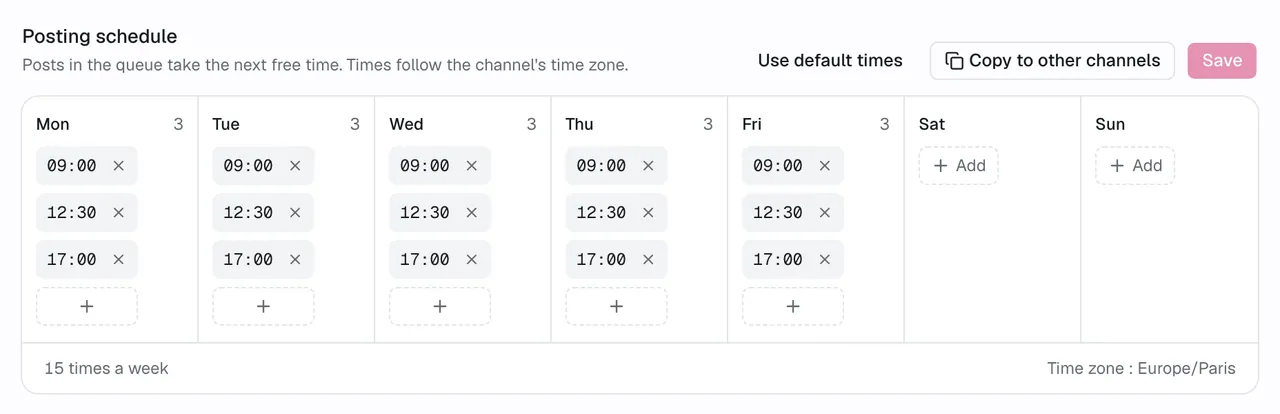 3
Get started
Set your posting times and time zone
Give each channel its own schedule so new posts drop into the next free time.
Beginner3 min5 steps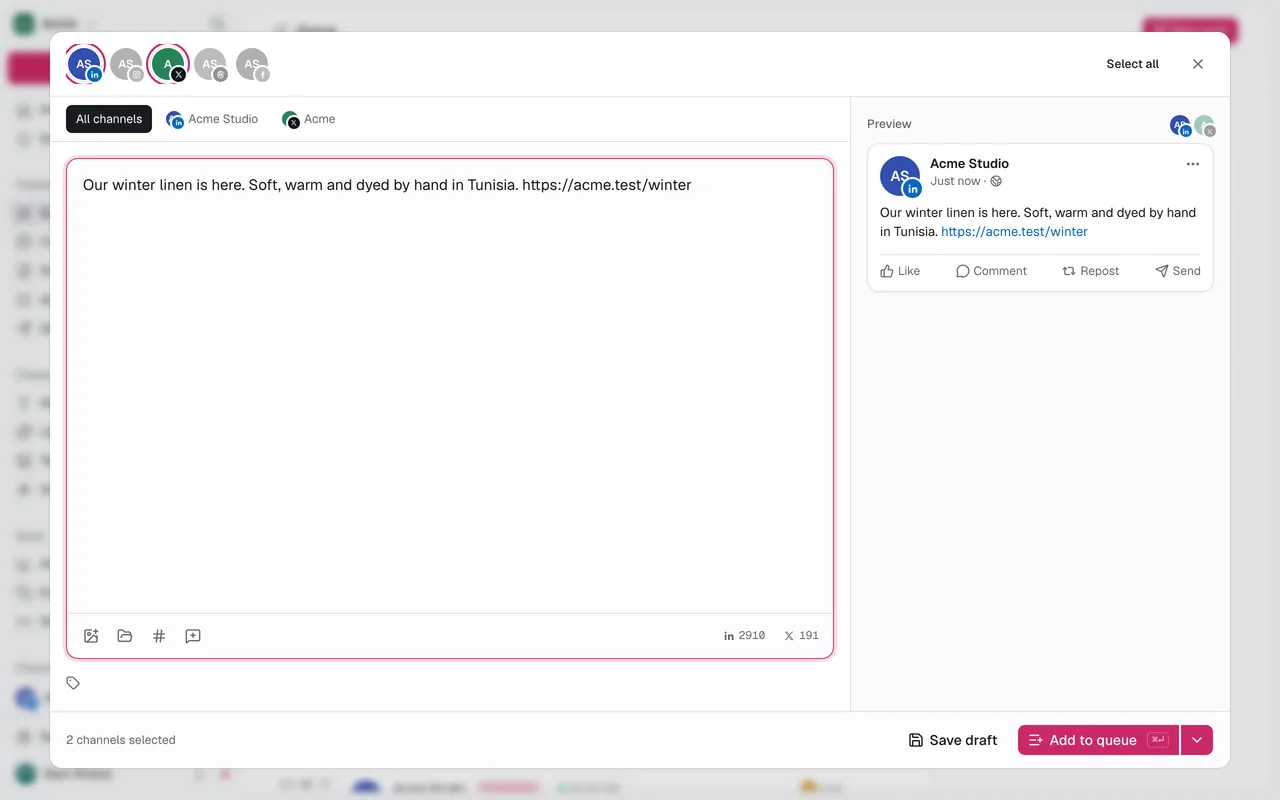 4
Publish
Write your first post
Pick your channels, write once, check the preview and add the post to the queue.
Beginner3 min5 steps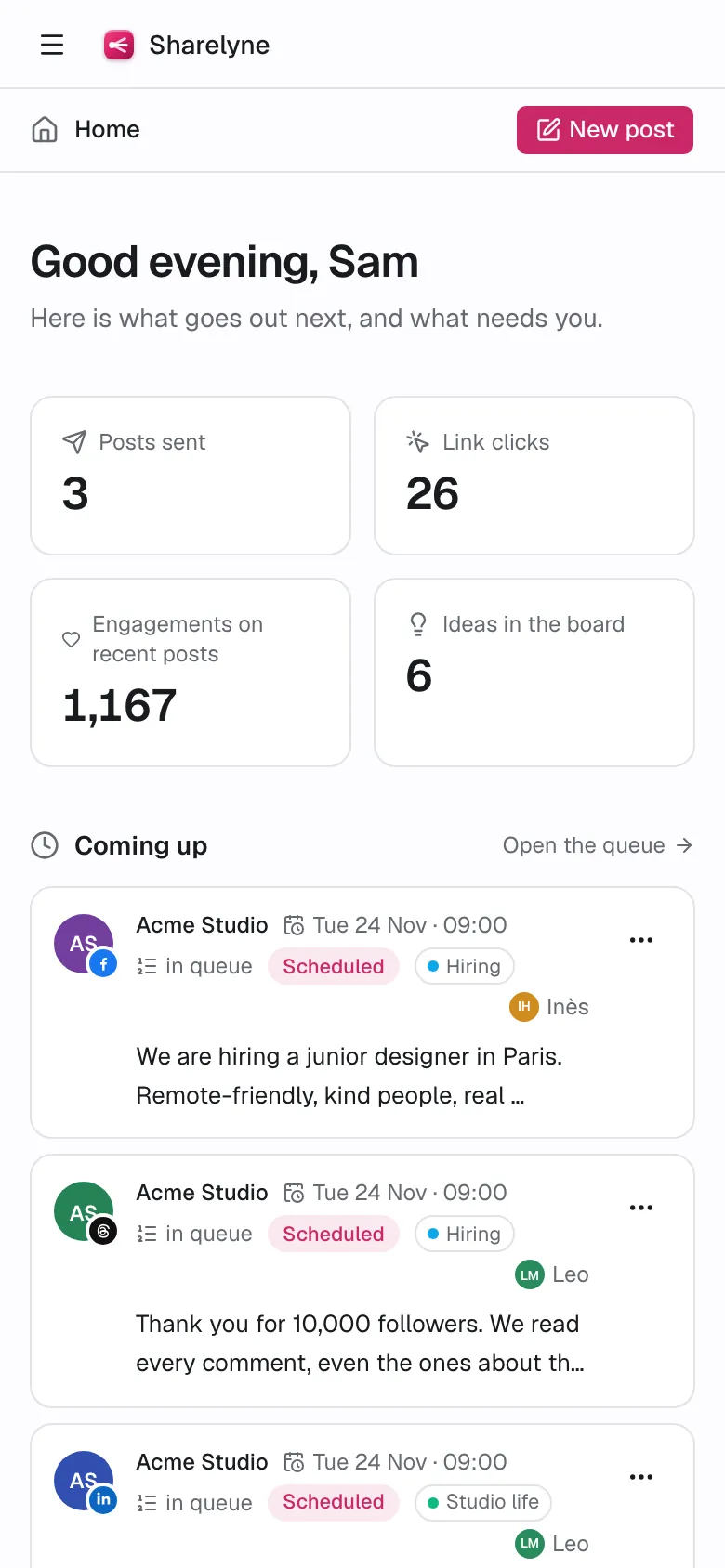 5
Get started
Install Sharelyne on your phone and turn on reminders
Add Sharelyne to your home screen and get a push when a post is ready to share.
Beginner3 min5 steps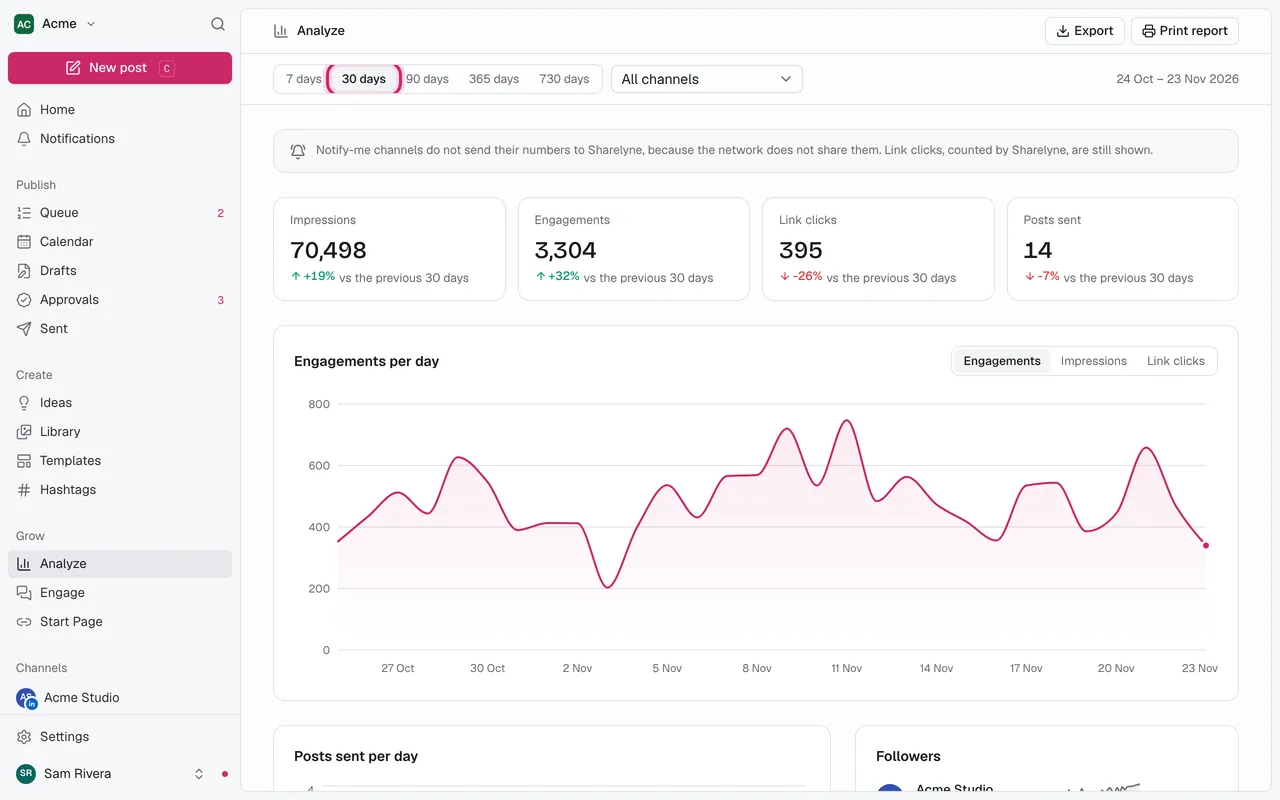 6
Analyze
Analyze your results
Pick a period and read how your impressions, engagements, clicks and followers changed.
Beginner3 min3 steps
Browse by area
- 8 tutorialsGet startedCreate your workspace, connect your channels and publish your first post.Create your account and workspaceConnect a channel with direct postingAdd a notify-me channel+ 5 more
- 11 tutorialsPublishQueue, calendar, approvals and posting times for each channel.Write your first postCustomize a post for each networkSchedule a post for a date+ 8 more
- 7 tutorialsCreateThe composer, ideas, media library, templates and hashtag groups.Add images, a carousel or a videoWrite alt text for your imagesAdd a first comment+ 4 more
- 3 tutorialsAnalyzeRead your results and find the best times to post.Read your sent posts and their numbersAnalyze your resultsFind your best times and export a report
- 1 tutorialEngageAnswer the comments on your posts from one inbox.Answer comments in Engage
- 3 tutorialsStart PageBuild a link in bio page and track its clicks.Build your Start PageAdd blocks to your Start PageDesign and publish your Start Page
- 6 tutorialsTeamInvite people, set roles and share the work.Invite your team and set rolesTurn on approvals for your teamYour plan, limits and payment+ 3 more